

Image Creator
from Designer



JumpStart your creativity
The right words can be hard to find. Here are a few ideas to get you started.
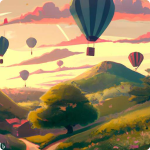
Vibes / Mood
Try including a time of day, a feeling, or aesthetic.
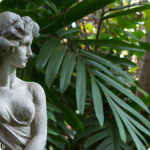
Photography
Try including a time of day, a feeling, or aesthetic.
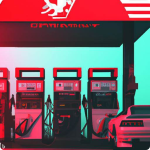
Art Styles
Try an illustration style, art period or material.
You can now create images in the new bing.


 Help
Help
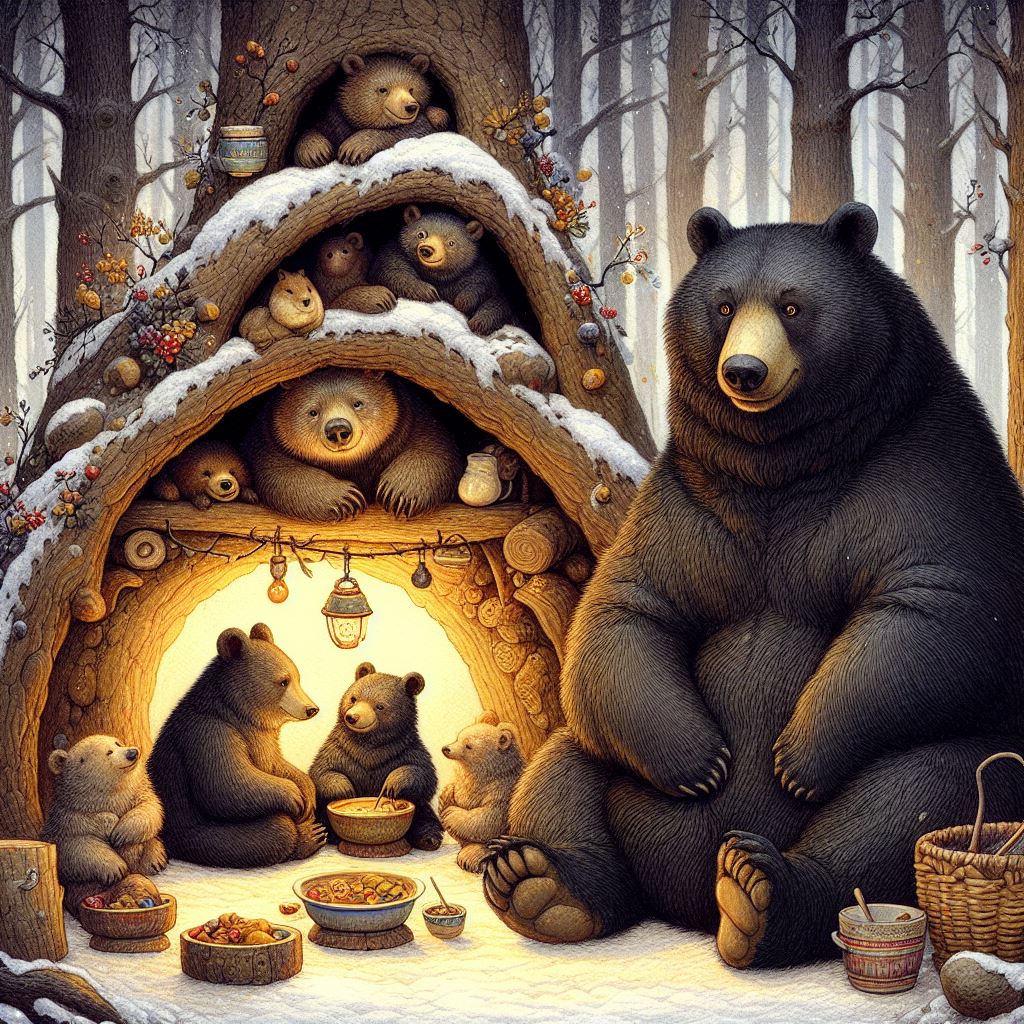
A family of bears preparing for hibernation in their den. Then den is decorated
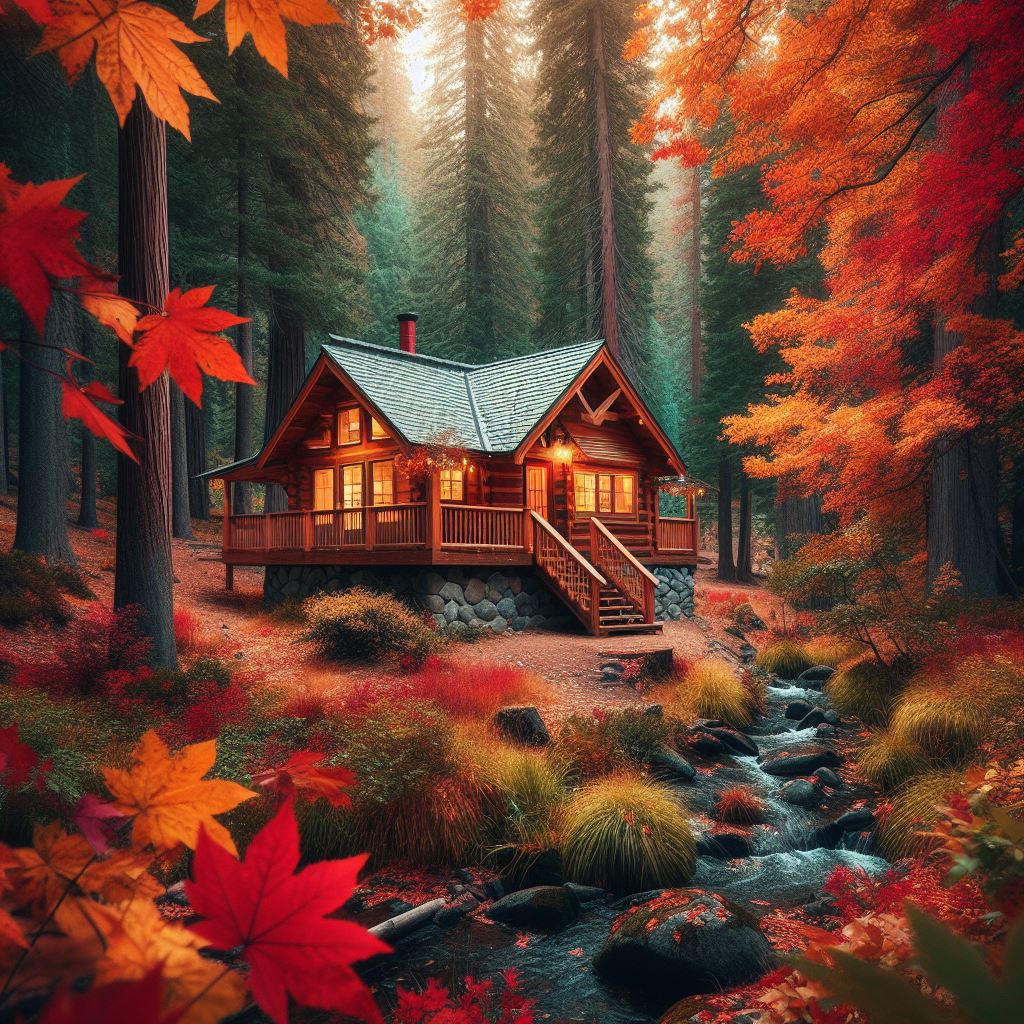
A cozy cabin in the woods surrounded by colorful autumn leaves
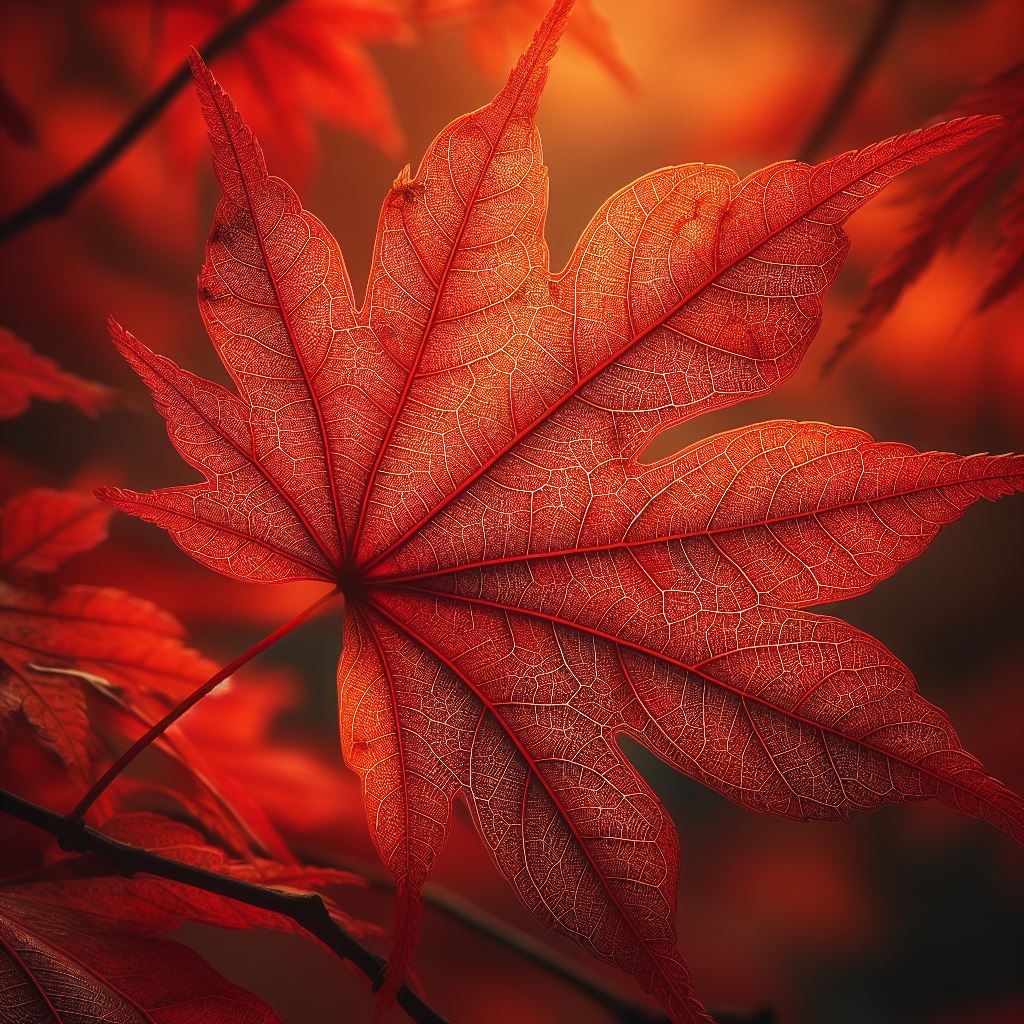
A close-up of a red maple leaf with veins and spots, detaching from a branch with
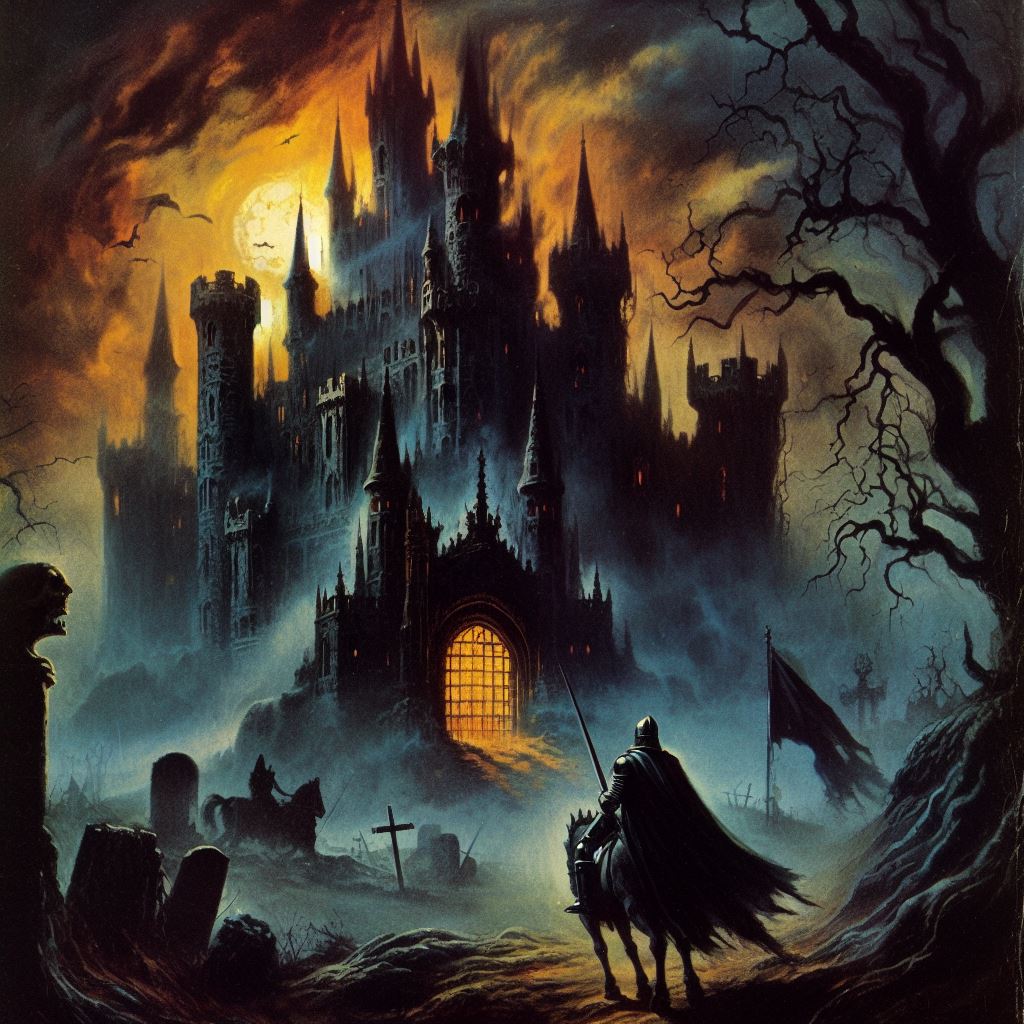
Haunted castle with a dark knight in front of it, 1970 dark fantasy book cover
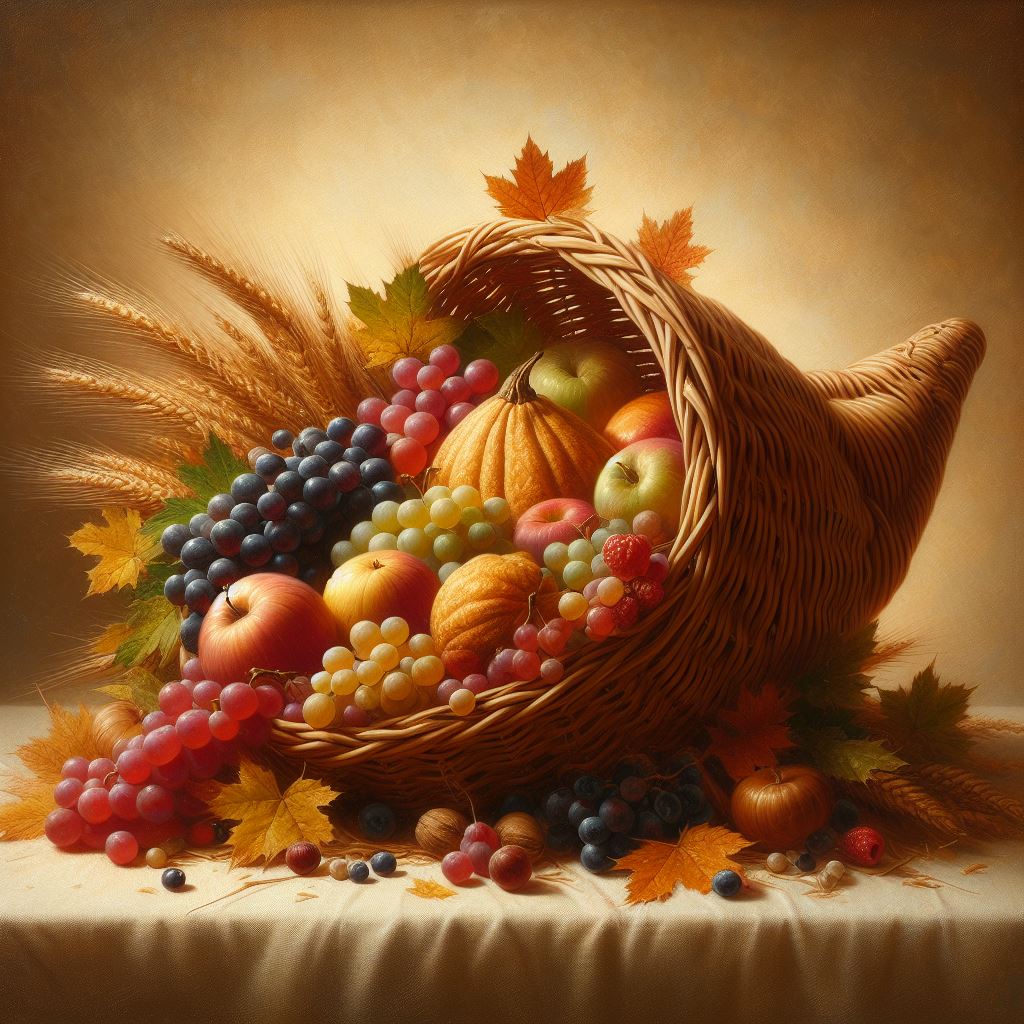
A realistic still life painting of a cornucopia made of woven straw, filled
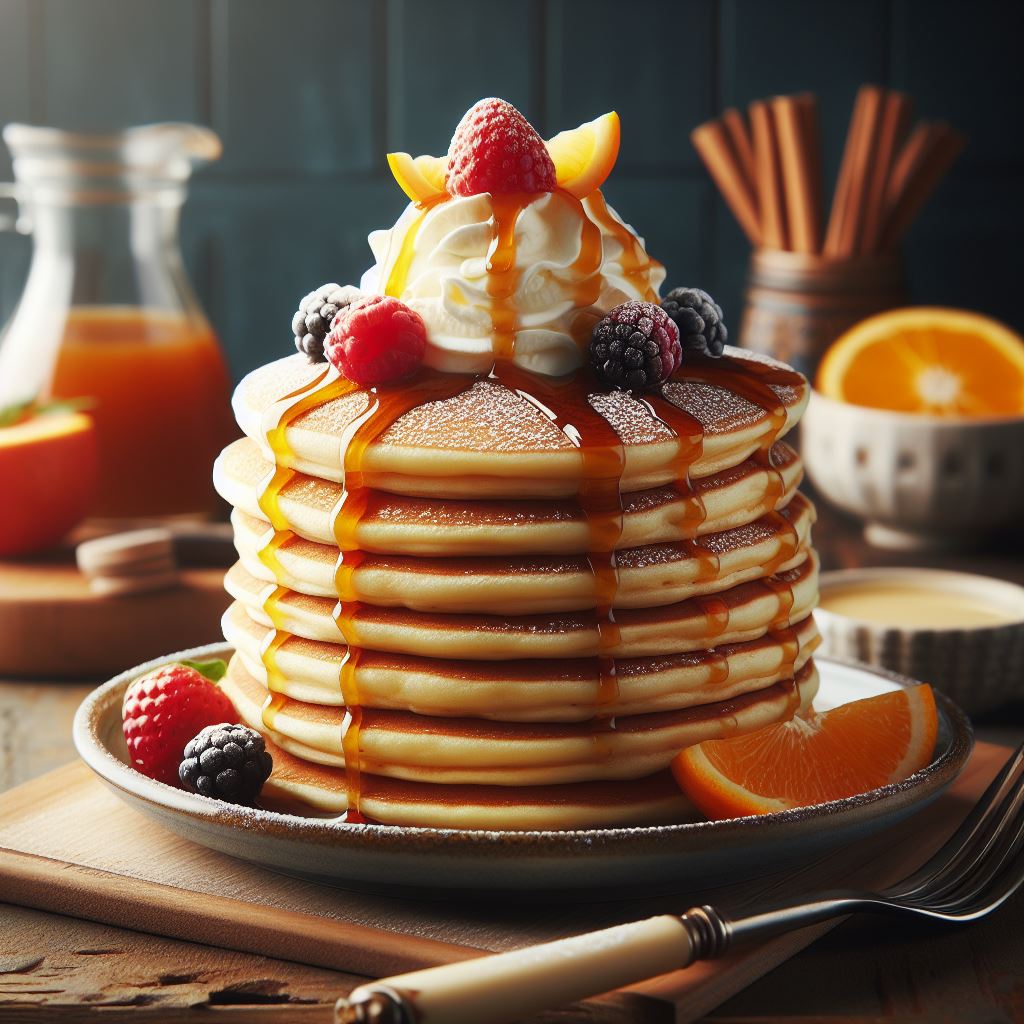
A delicious breakfast of fluffy pancakes stacked high on a plate, drizzled with
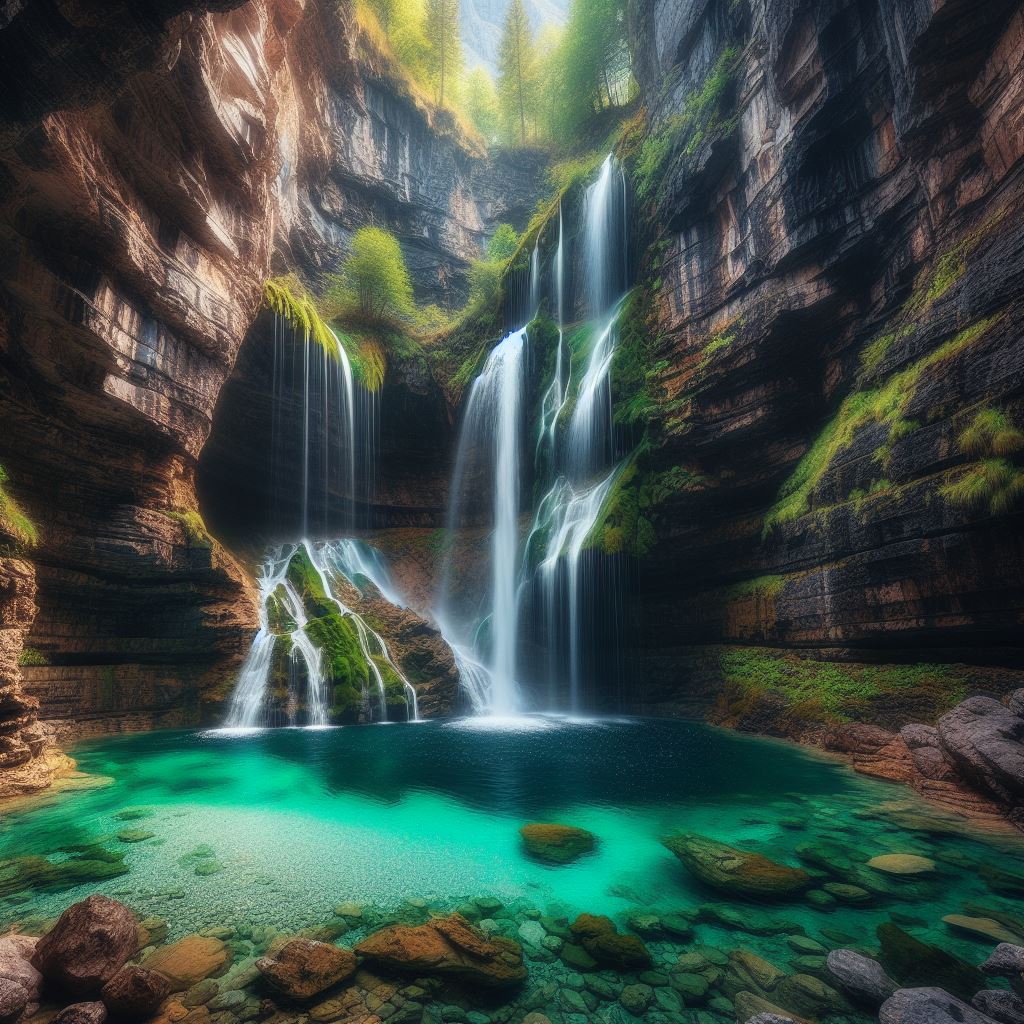
A waterfall that flows from a hidden cave into a crystal clear pool, surrounded
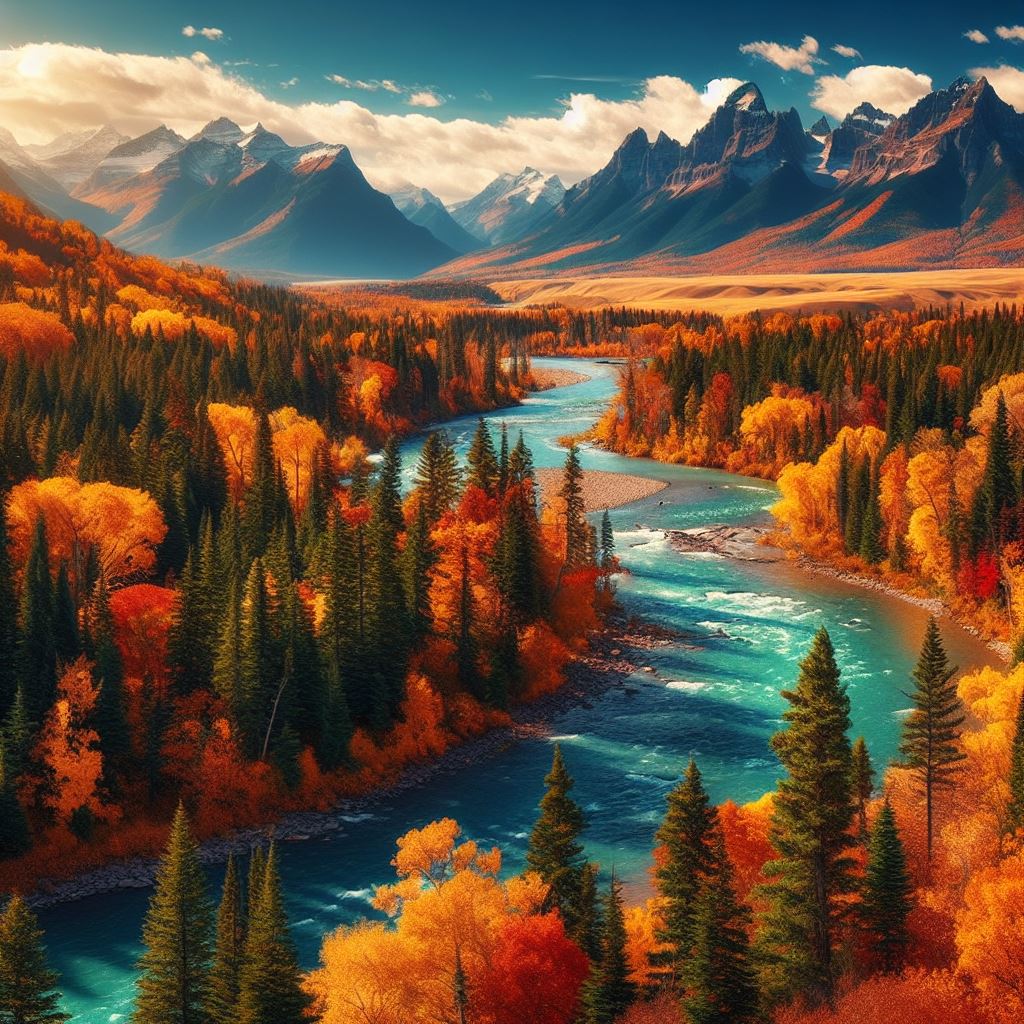
A picture of a fall landscape with trees, mountains, and rivers, except
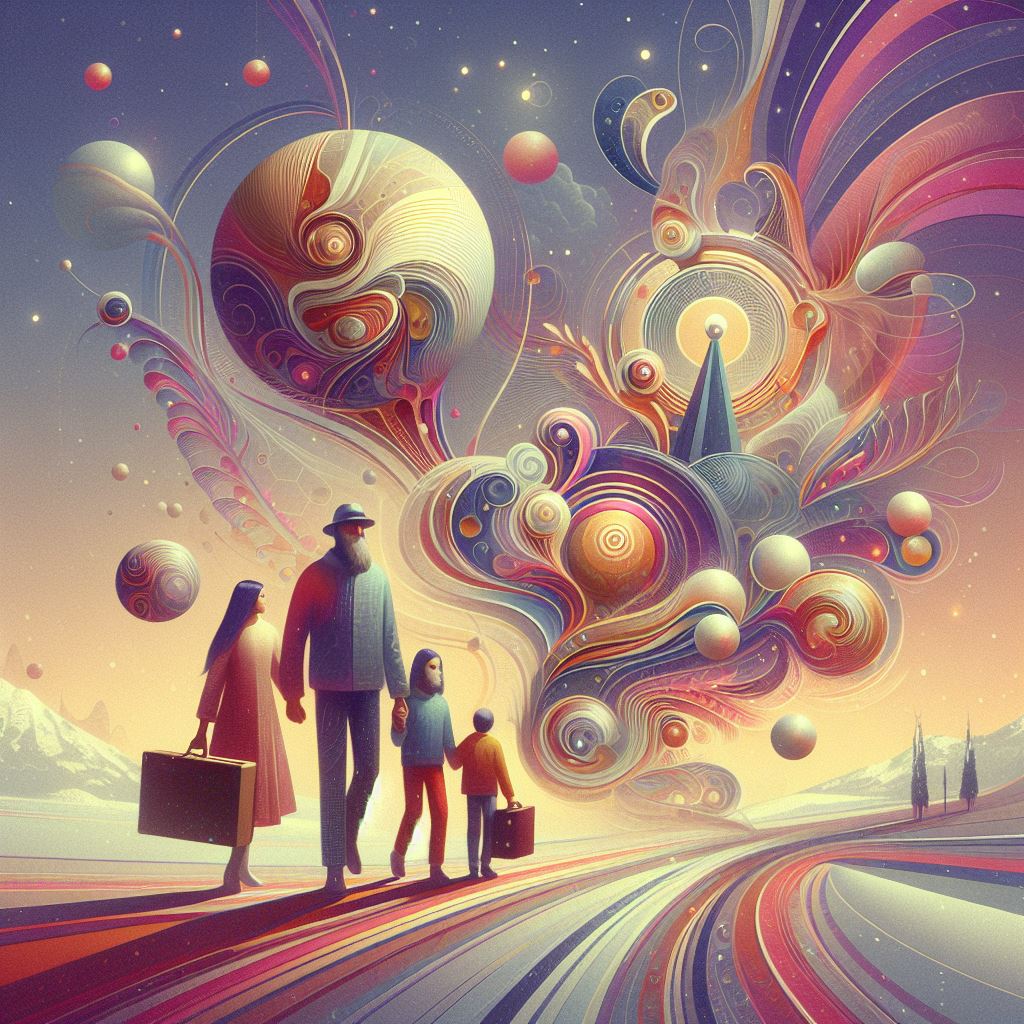
An abstract modern art liminal dream holiday new year family scene, surreal art, everyone
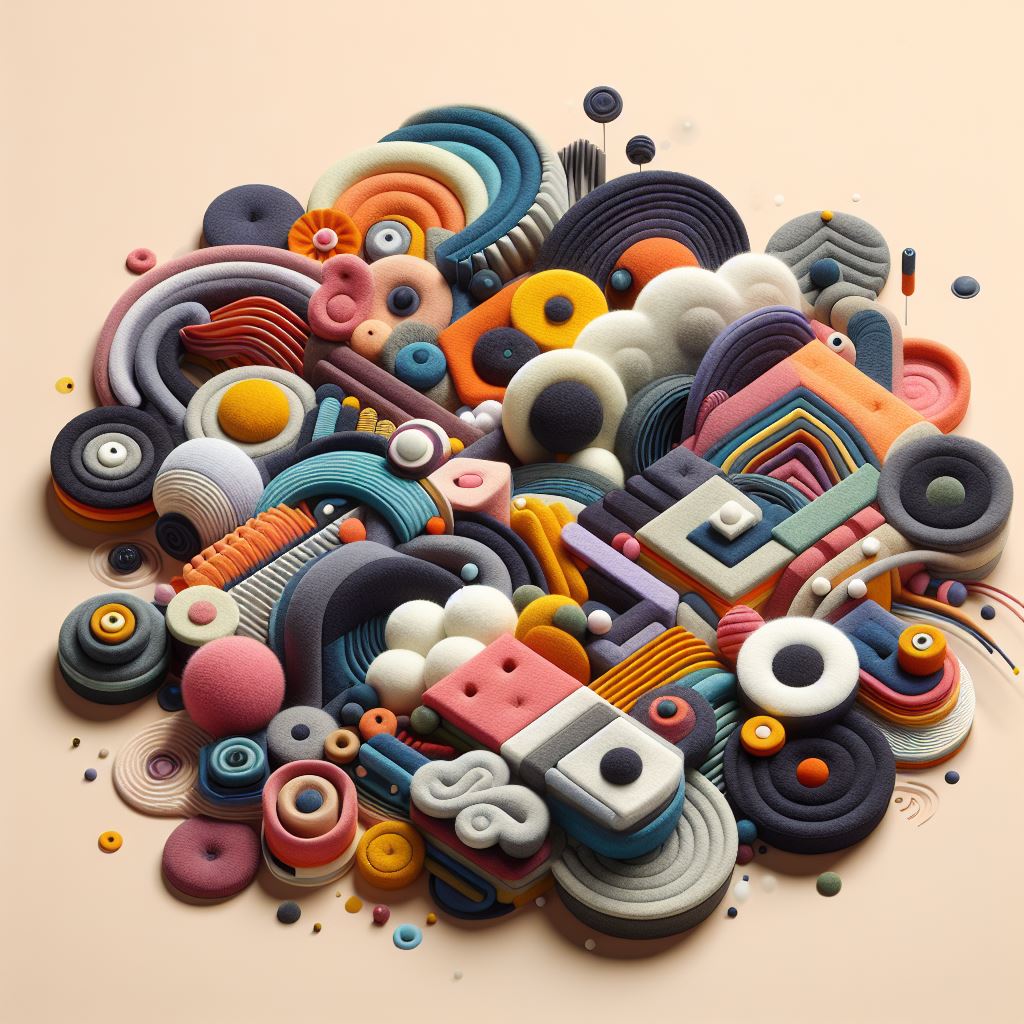
Abstract surrealism minimal felt cloth sewn art, 3d animated, colorfull
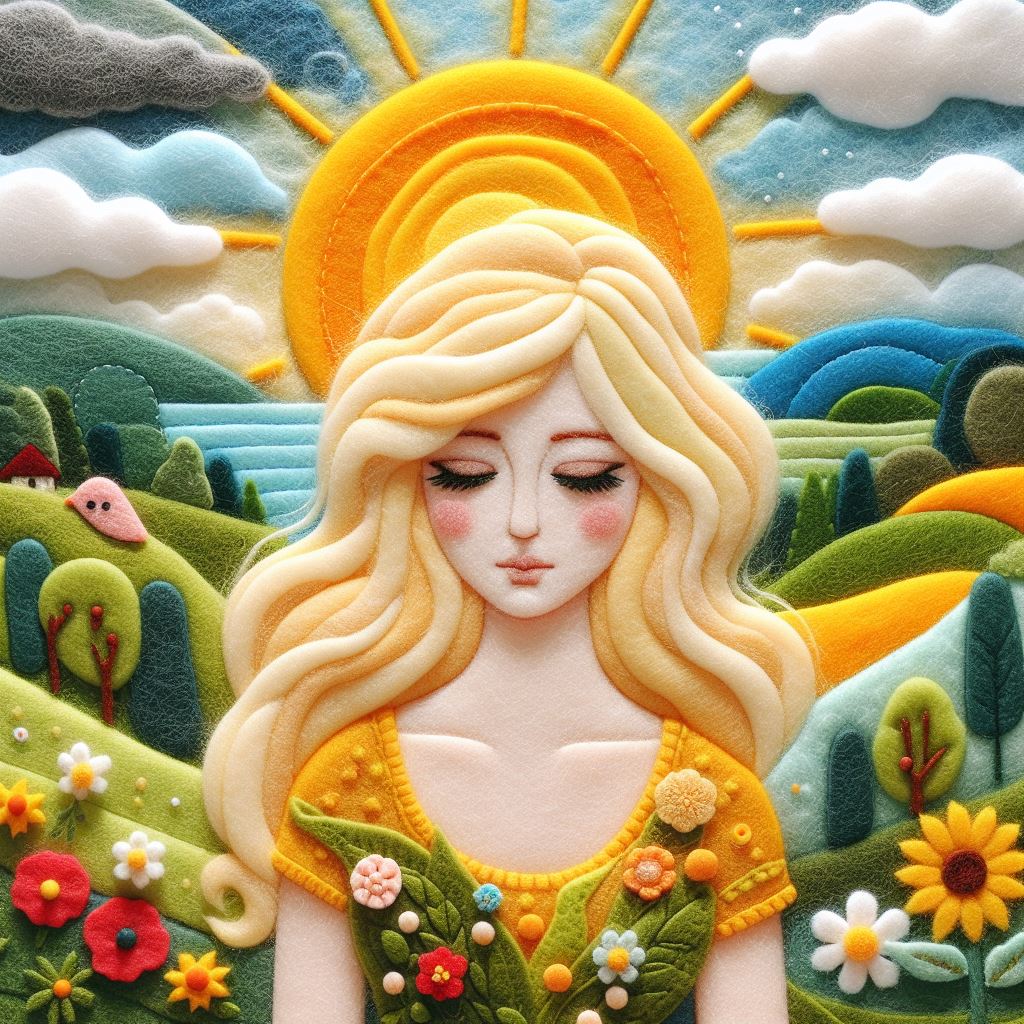
Felt art patchwork, wide angle, landscape scene of a blonde woman
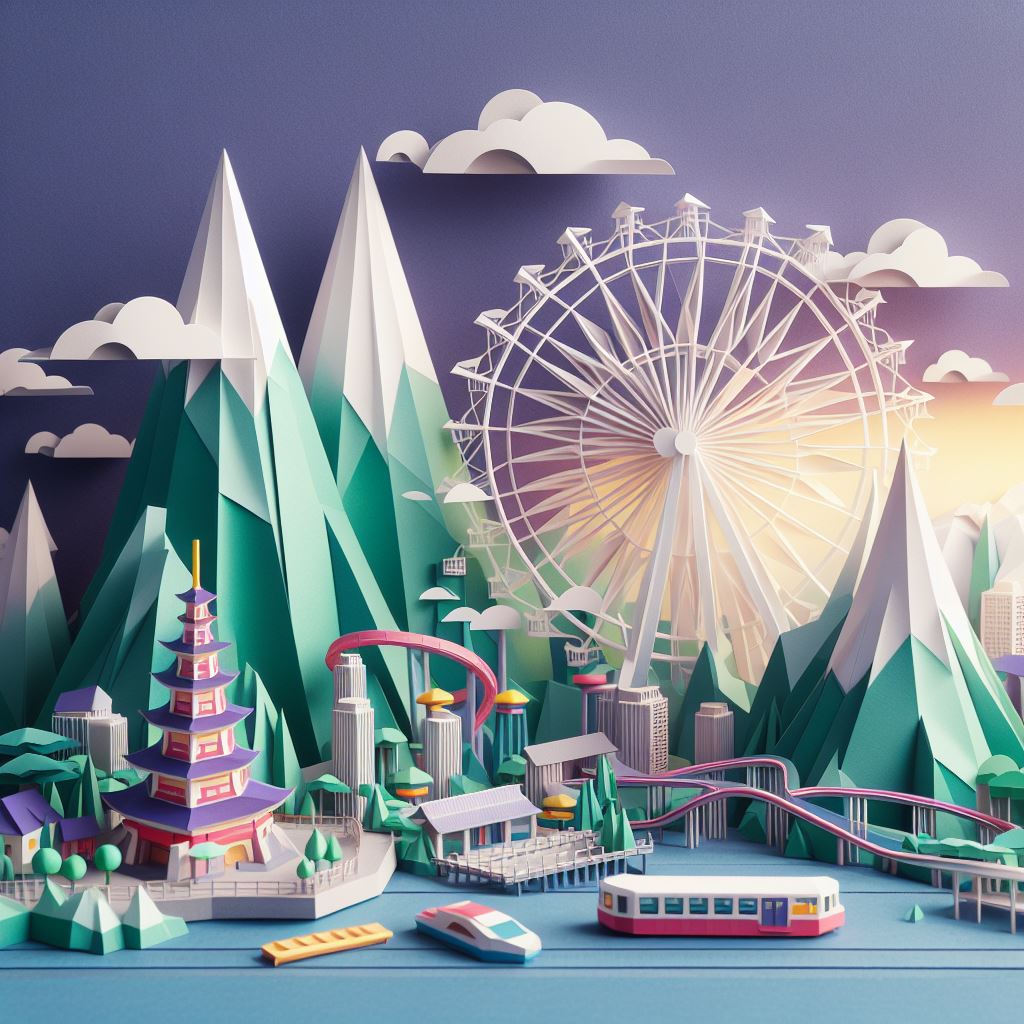
Abstract art paper art origami diorama, Tokyo, amusument park, modern art
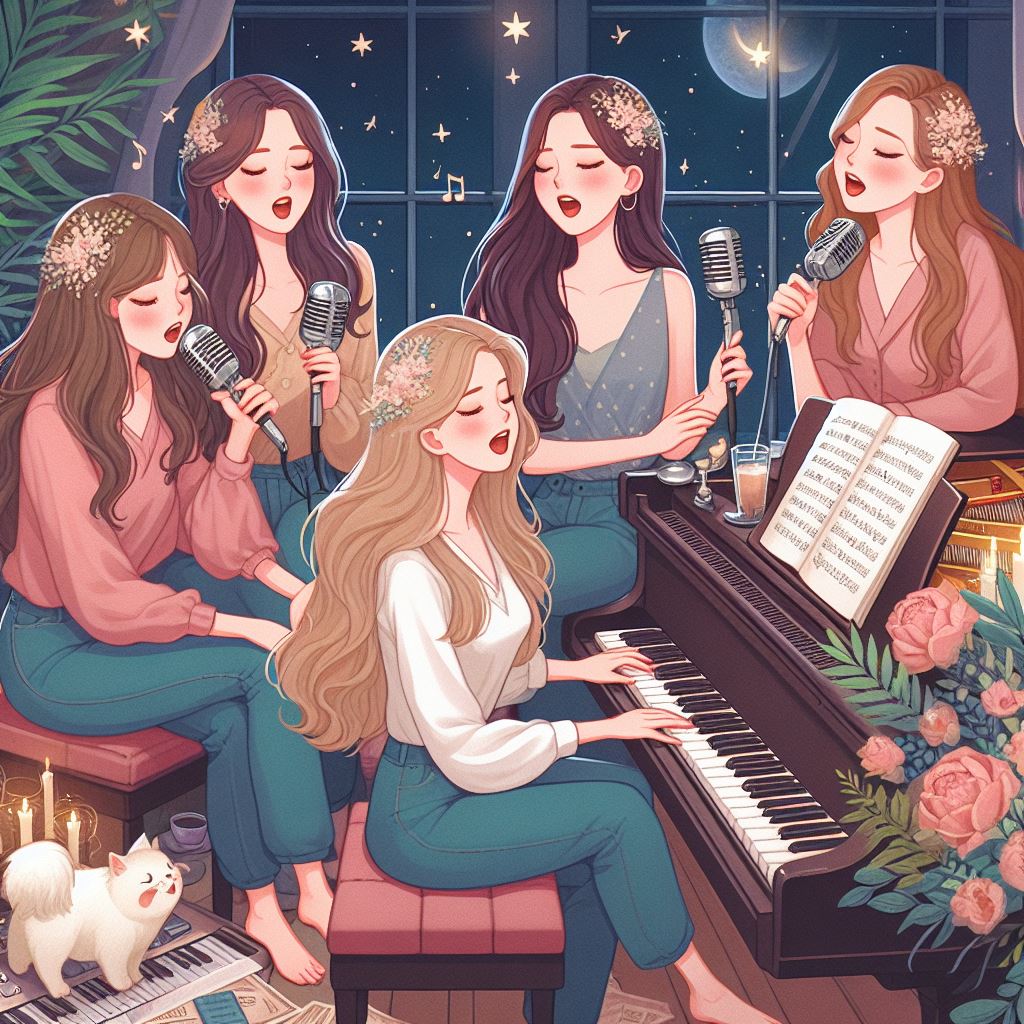
4 women with long hair singing around the piano, 2-3 cats on the, 3
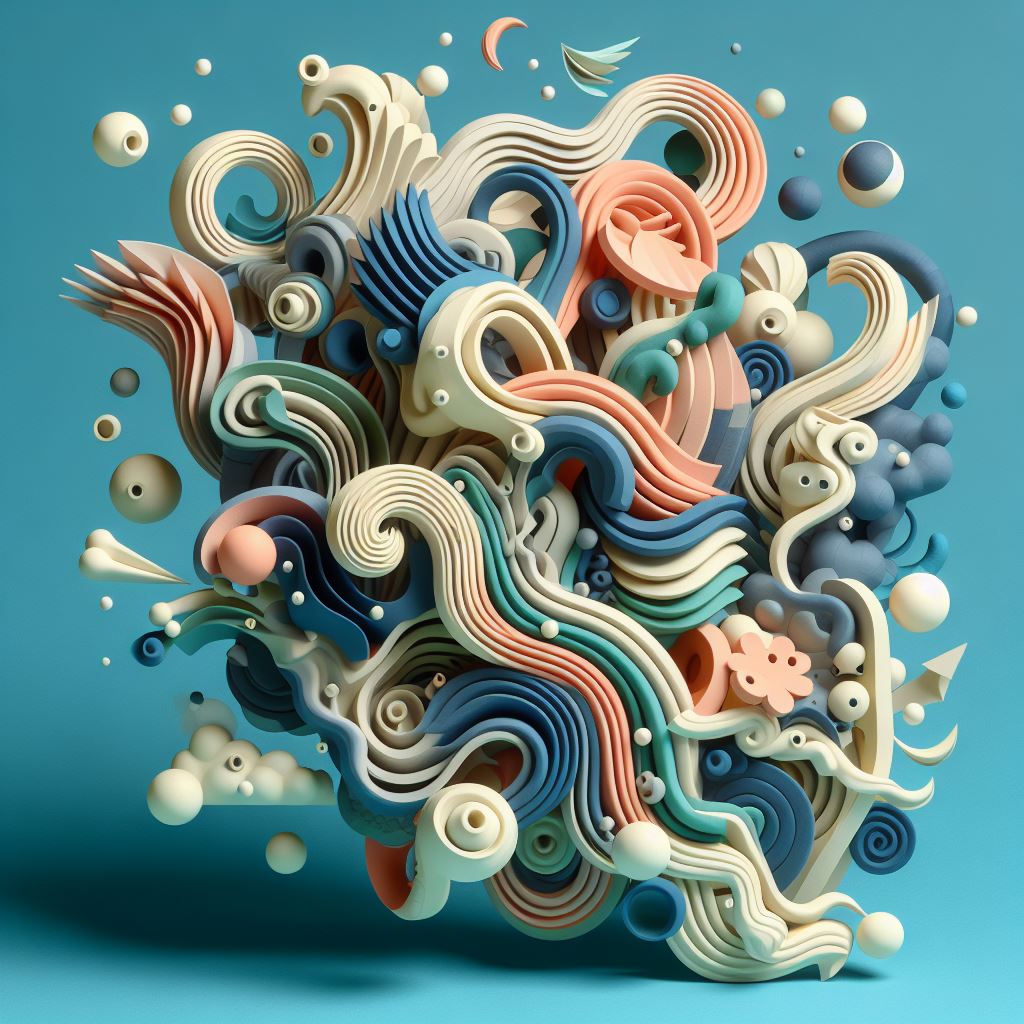
Simple paper mache abstract paper art, craft, surrealism surreal in the style
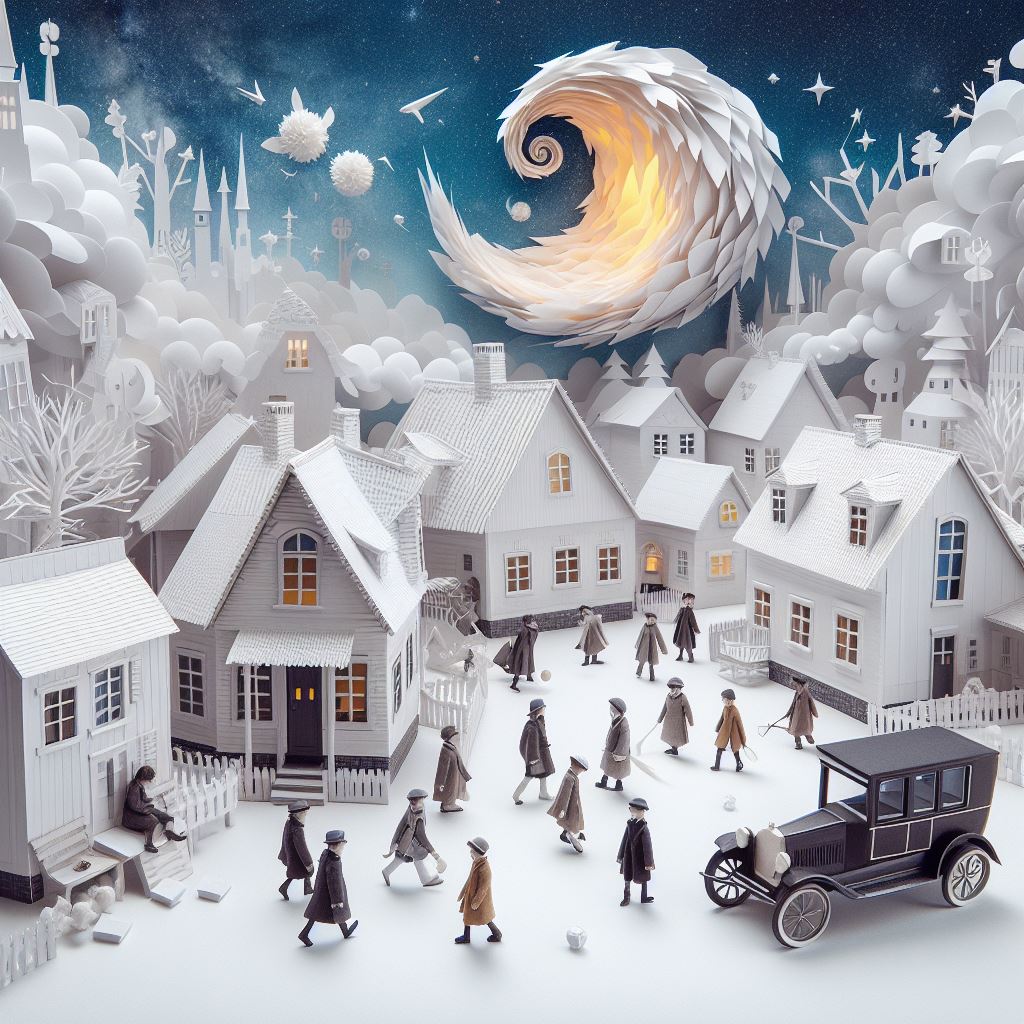
Whimsical paper diorama collage, surreal, surrealism, boys in a village
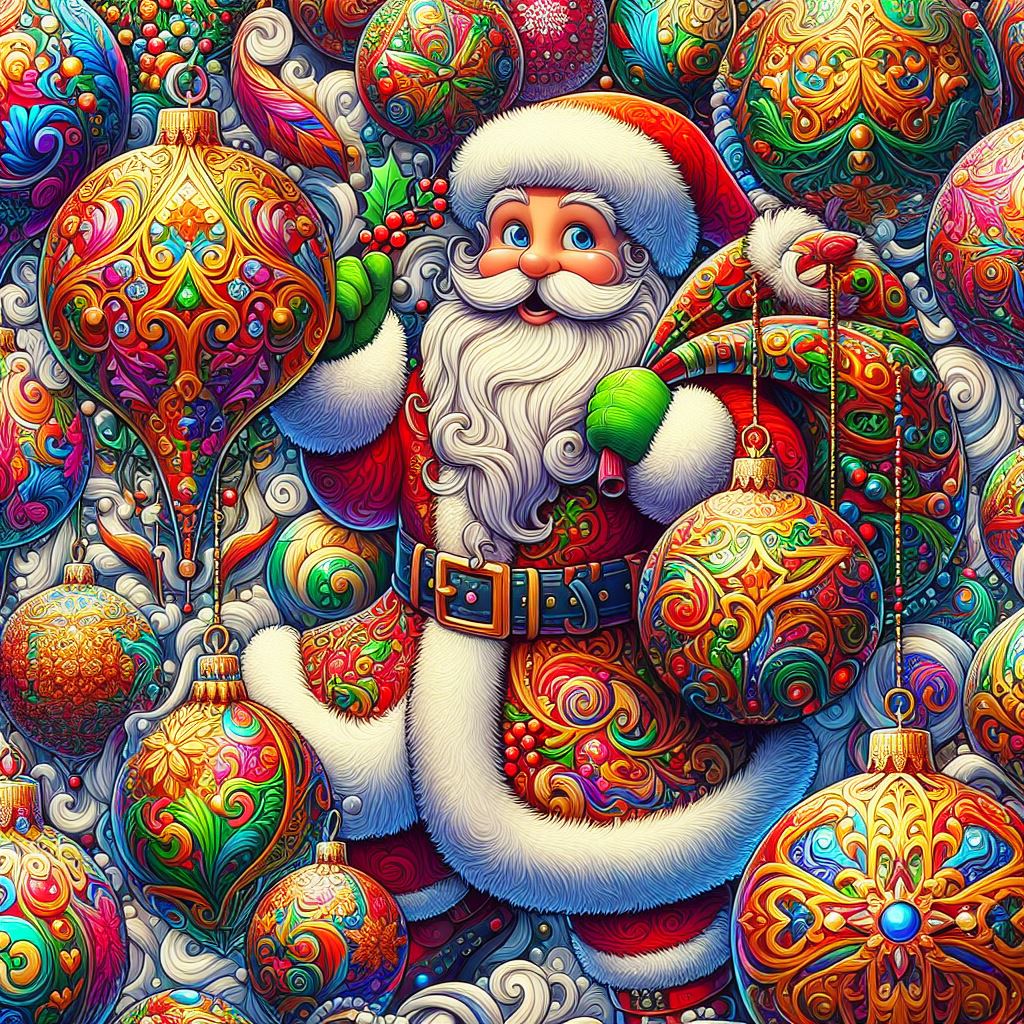
Colorful festive, highly detailed gaudy, ornaments and a Santa holdi
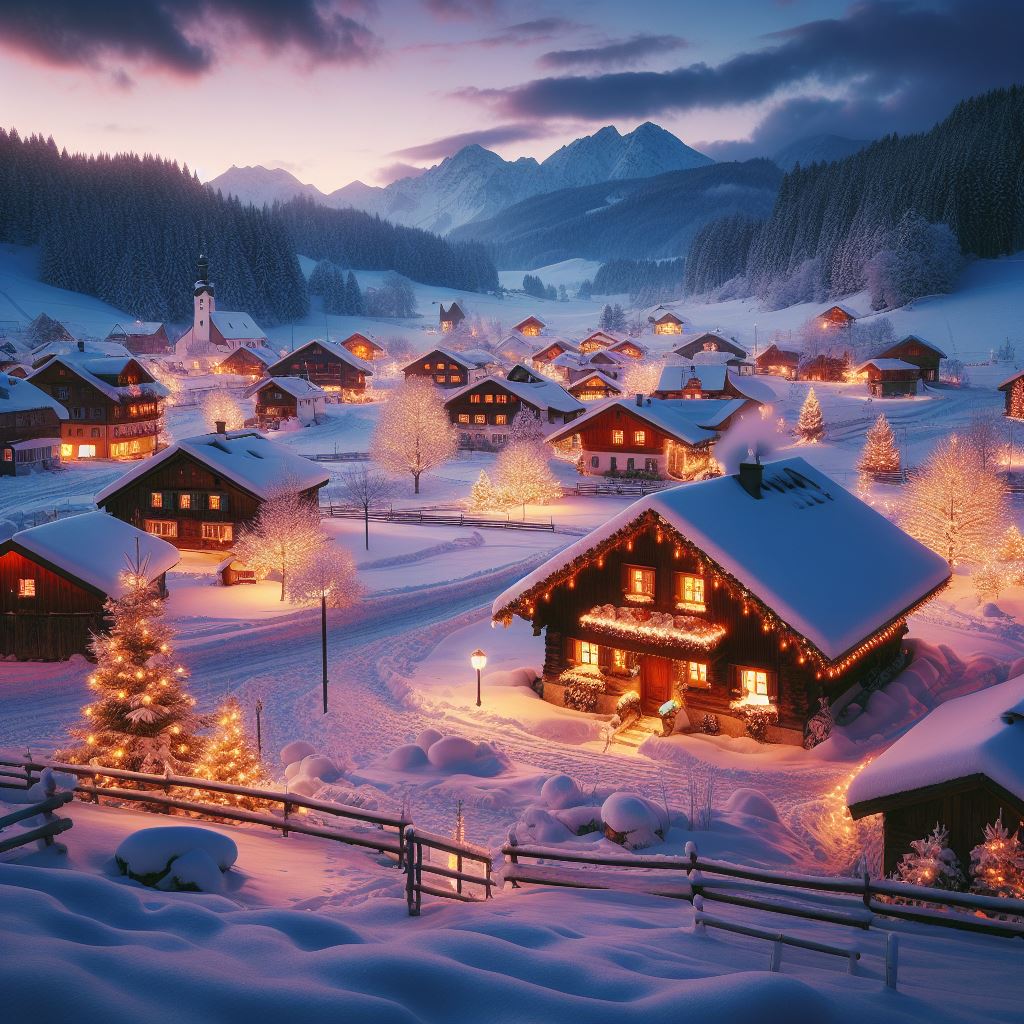
A quaint, snow-covered village at dusk. The scene features twinkling
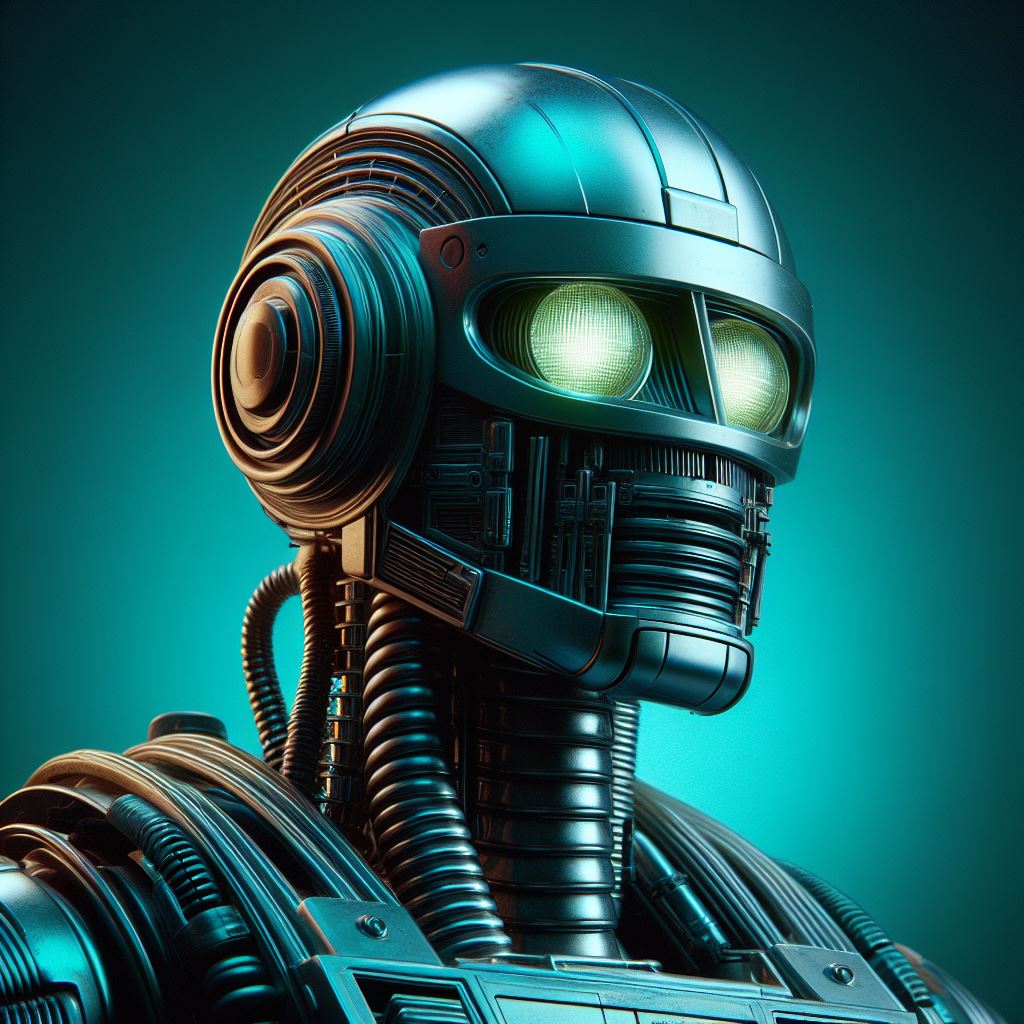
1970's sci robot portrait, studio light, on an emerald colored background
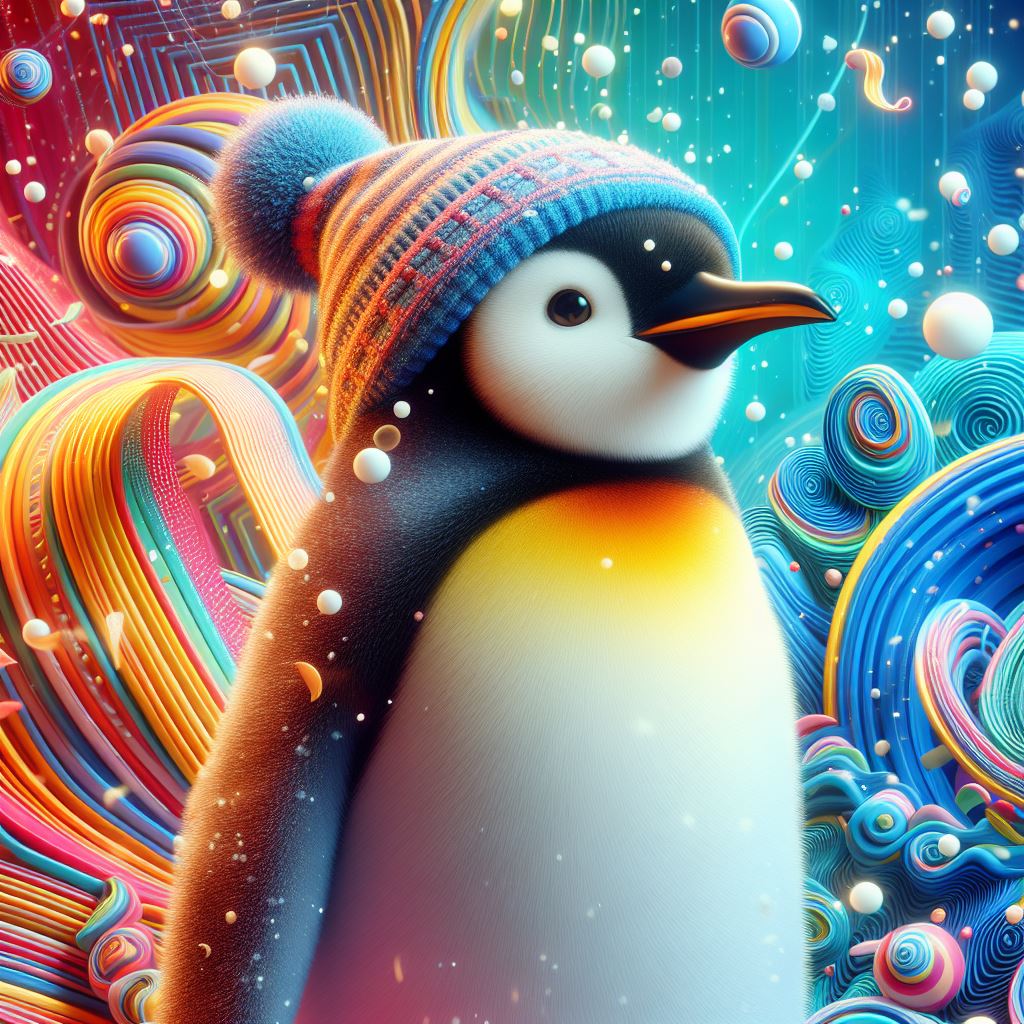
3D render of a penguin with colorfull background
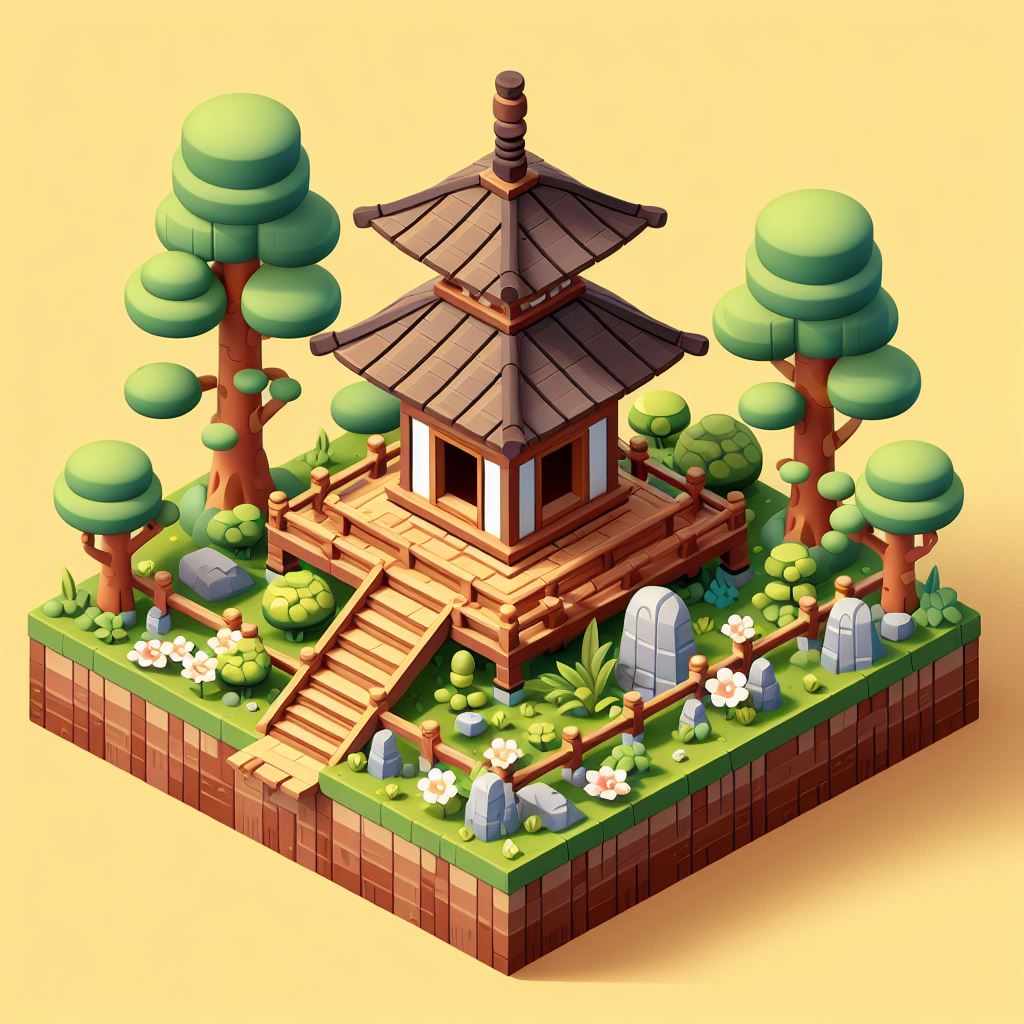
Cute small forest zen wood temple, 3d game isometric, detailed, white
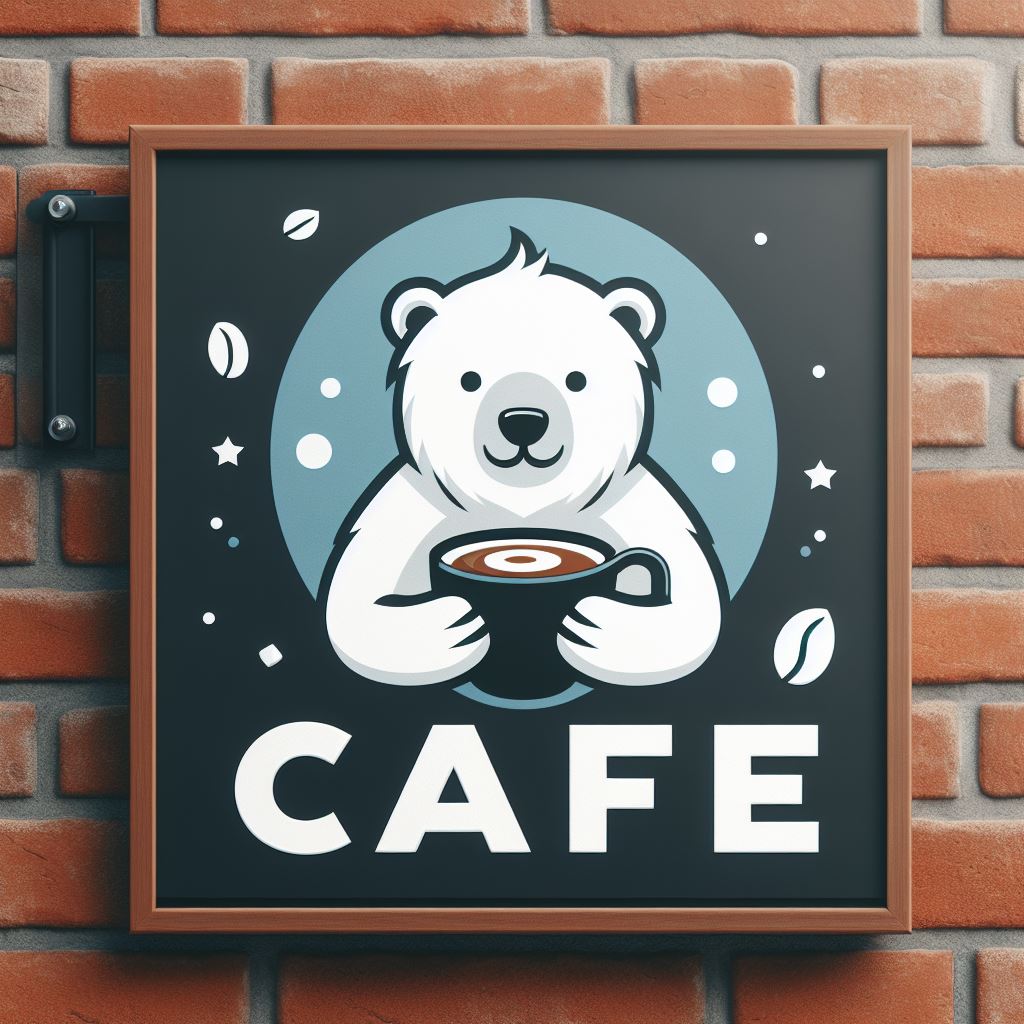
A modern cafe logo of a polar bear cub holding coffe, located on a sign outside a brick
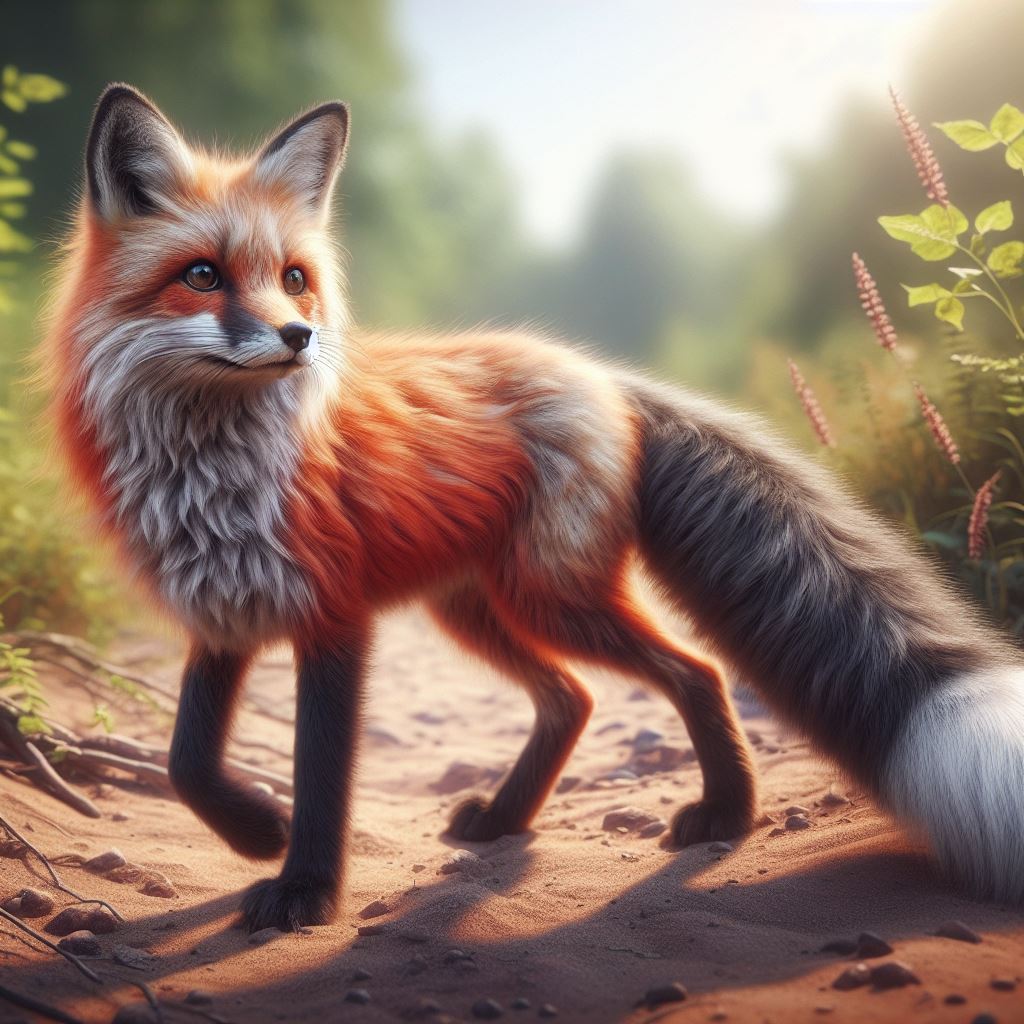
A realistic image of a red fox with a bushy tail and black eats, waling on a dirt
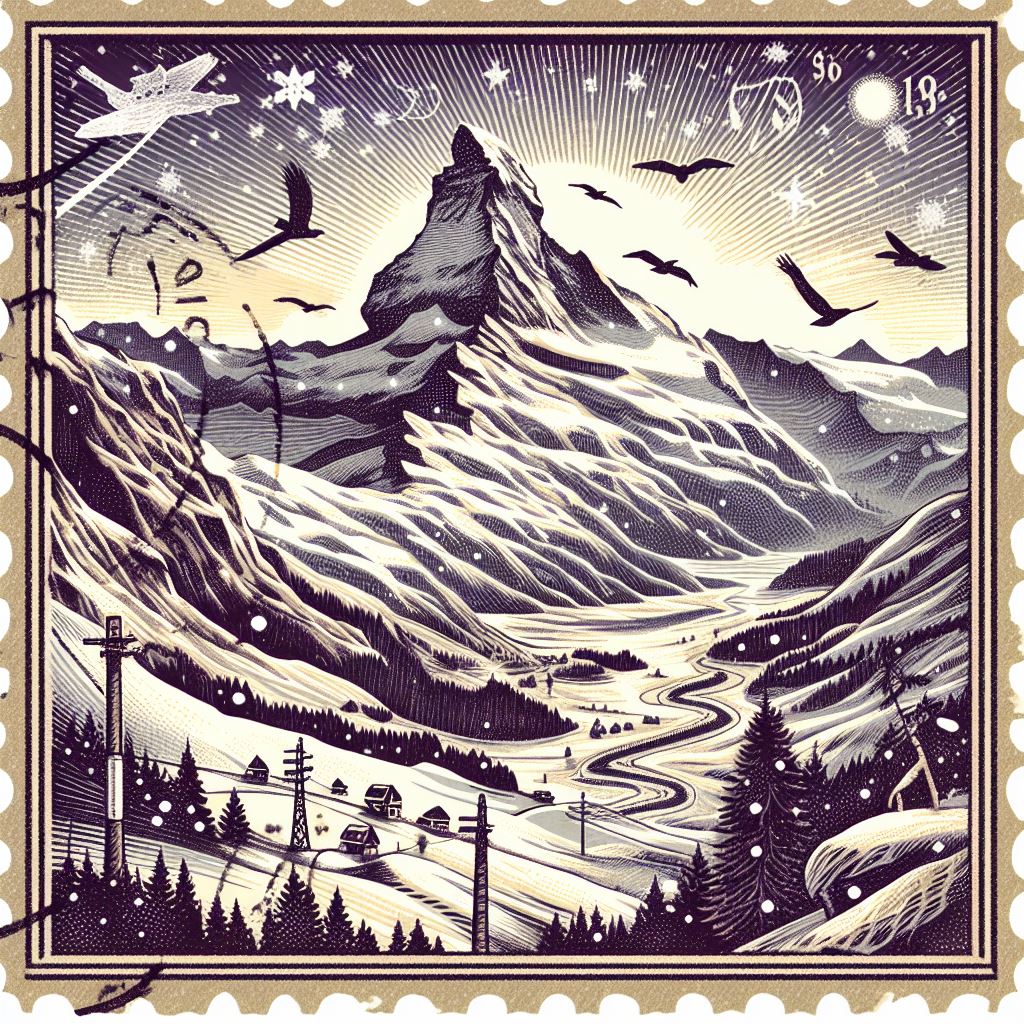
Graphic illustration stamp of Swiss Alps in winter
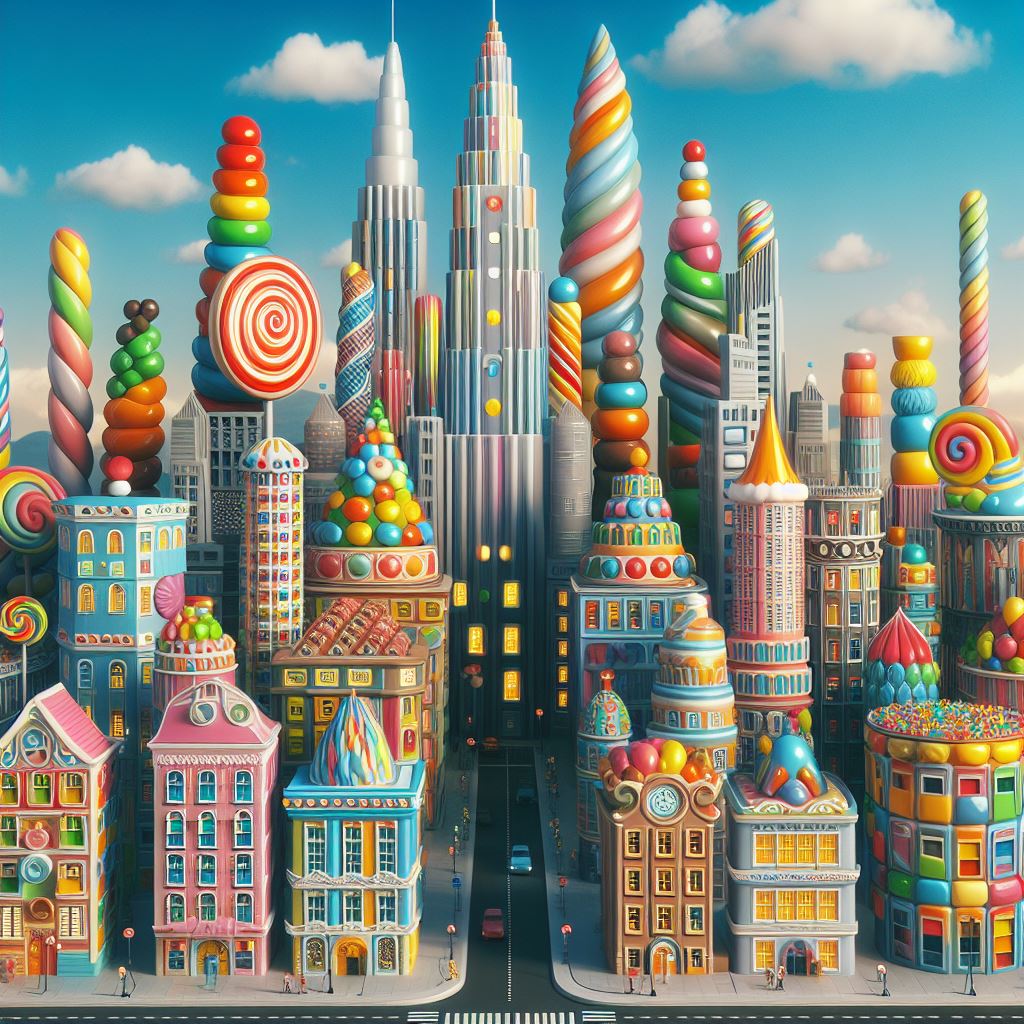
A city with buildings made of different, bright, colorful candies and looks
Frequently asked questions
-
1What is Image creator?
Image Creator is a product to help users generate AI images with DALL·E 3. Given a text prompt, our AI will generate a set of images matching that prompt.
-
2How do I use Image Creator?
Sign up for a new Microsoft account or log into your existing Microsoft account. New users are granted 15 boosted generations for Image Creator. Your images will be stored for up to 90 days.
Type in any text description you can think of to create a set of AI generated images and enjoy!
-
3Is there a waiting list to use Image Creator?
There is no waiting list or upfront cost. We're committed to making AI-generated imagery available to all. Anyone can turn their ideas into images.
-
4What languages are supported?
Image Creator supports over 100 languages. For a full list of supported languages, please check Microsoft Translator.
-
5How do I create better prompts?
Creating an image with Image Creator works differently from searching for an image in Bing.
It works best when you're highly descriptive. So, get creative and add details: adjectives, locations, even artistic styles such as "digital art" or "photorealistic."
Here's an example of a how to create a longer, more descriptive prompt:
- Original prompt: "astronaut"
-
Descriptive prompt : "a close-up photo of an astronaut in a glowing suit made of plasma, as if the galaxy is inside of it, putting on their helmet, but you can't see their face because of the visor, realistic, film stock, bright colors"
-
6How do Microsoft Rewards work with Image Creator?
If you run out of boosts, you have the option to use Microsoft Rewards to redeem for additional boosts and enjoy faster processing times. When you run out of boosts in Image Creator, you'll also be reminded that you have the option to redeem Microsoft Rewards points for more boosts.
-
7Can I delete my Image Creator profile and history?
There are two ways to delete your Image Creator profile and history. While logged in to your Microsoft account, you can either:
- Go to your Bing search history and select "Clear all."
- Go to the privacy dashboard for your Microsoft account, scroll down to "Search history," and select "Clear search history."
Either option will delete your entire (1) Bing search history, (2) Image Creator profile, and (3) Image Creator history.
-
8How is Microsoft addressing responsible AI with Image Creator?
We take our commitment to responsible AI seriously. To learn more about our approach to responsible AI, please visit here.
We have put controls in place to prevent the generation of harmful images. When our system detects that a potentially harmful image could be generated by a prompt, it automatically blocks the prompt and informs the user.
We also make it clear that Image Creator's images are generated by AI. A watermark appears in the bottom left corner of each image created using Image Creator. We have implemented content credentials, provenance based on the C2PA standard, to help users to identify AI generated Images. We allow living artists, celebrities, and organizations to make requests to limit the creation of images associated with their names and brands via the AI-powered features option on our Report a Concern form.
-
9What happens if I violate the Image Creator polices?
Repeated violations of our content policy may result in automatic temporary suspension of your use of Image Creator. Multiple suspensions may lead to permanent restriction of your use of Image Creator. Permanent suspension may be appealed by submitting through the Image Creator user interface.
